Installing content in an AnyGameStarter game
-

LadyAngel
If you have the AnyGameStarter software by Numenor, you’ve probably wondered how to install custom content and lots into a game created from it.
Custom content can simply be placed into the downloads folder at:
(Wherever your documents folder is)/Documents/AnyGameStarter/AnyGame1(or other number)/EA Games/The Sims 2/Downloads
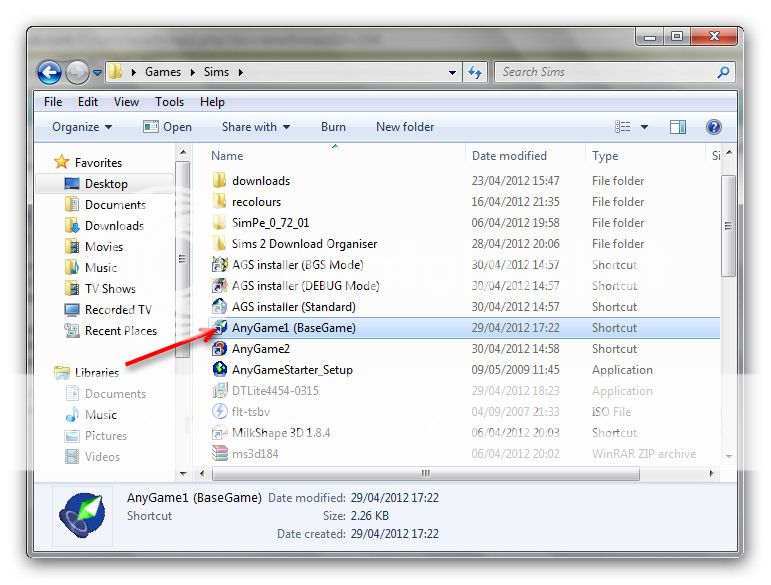
To install lots you can use CleanInstaller. Simply drag the lot file to your AnyGame Icon:
Then CleanInstaller will pop up and allow you to select which content you want to install into the game.
Hope this helps!
- You must be logged in to reply to this topic.

 LadyAngel.
Recent Comments